
OpenClaw + Ollama Local Setup Guide (2026)
OpenClaw (formerly Clawdbot / Moltbot) is a powerful local AI agent framework that connects messaging apps like Telegram and WhatsApp, allowing you to invoke local large models directly from your phone to perform tasks (coding, controlling computer, searching files, etc.).
By pairing it with Ollama, you can achieve a completely offline, free, and API-cost-free setup.
Two Recommended Installation Methods
Method 1: The Easiest Way (Official Recommendation)
Best for: Mac, Linux, Windows (WSL)
-
Install Ollama (if you haven't already)
- Official Site:
- After downloading and installing, run the following in your terminal (using a 128k+ context model is recommended):
-
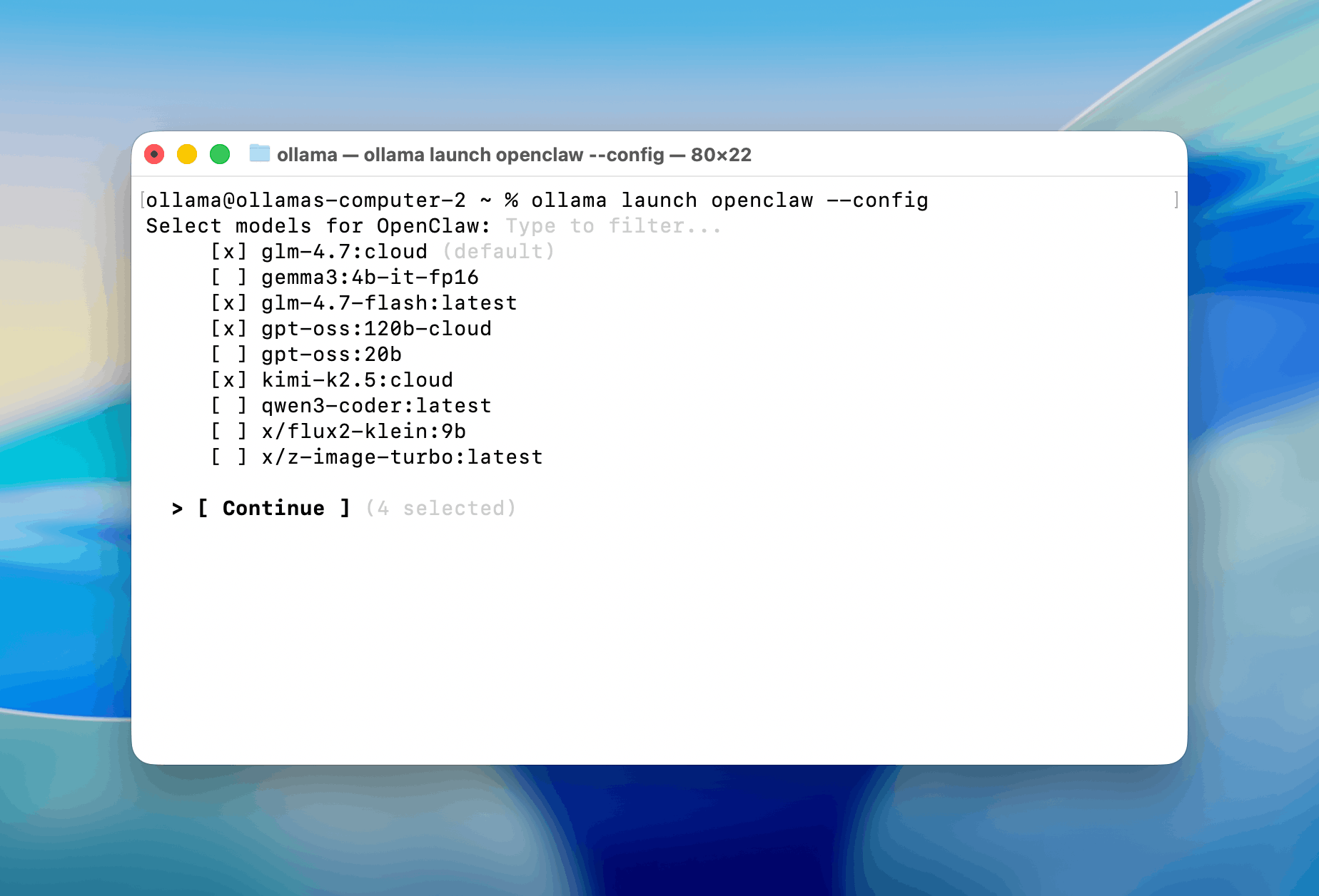
Launch OpenClaw directly with
ollama launchThis command will:
- Automatically install the latest OpenClaw
- Start the onboarding wizard
- Automatically select Ollama as the backend
- Let you choose the model (the one you just pulled)
- Configure Telegram / WhatsApp channels (can be skipped initially)
Once done, it will automatically run the gateway in the background (default port 18789).
-
Start Using via Telegram
- If you chose Telegram during onboarding, follow the instructions to create a bot and paste the token. Your bot is now ready!
Method 2: Manual Installation (For Advanced Control)
-
Install Node.js (v22+ recommended)
-
One-Click Install OpenClaw
Mac/Linux:
Windows (PowerShell):
-
Run Onboarding
-
Configure Ollama Backend
- In the wizard, select Quick Start -> Skip Cloud -> Select Ollama.
- Or manually edit the config file (
~/.openclaw/openclaw.json):
-
Start OpenClaw
Troubleshooting FAQ
-
Model lacks tool calling ability?
- Switch to models that support function calling well, such as
qwen2.5-coder,qwen3,deepseek-r1,llama3.3. - We recommend at least 14B+ models; 8B models may hallucinate tool calls or forget context.
- Switch to models that support function calling well, such as
-
Too slow?
- Try smaller models (e.g.,
qwen2.5-coder:14bor32b). - Or rent a GPU pod on RunPod / Vast.ai to run Ollama.
- Try smaller models (e.g.,
-
Best model for Chinese?
- Current (Feb 2026) recommendation:
qwen3 series>deepseek-r1>llama3.3-Chinese.
- Current (Feb 2026) recommendation:
-
No response on Telegram?
- Check if OpenClaw is running (check terminal logs).
- Check if Ollama is running (
ollama ps). - Re-run
ollama launch openclawto reconfigure.
Basically, ollama launch openclaw is the most hassle-free way right now. Most people can get it up and running in 5-10 minutes.